Preventive maintenance for your documentation
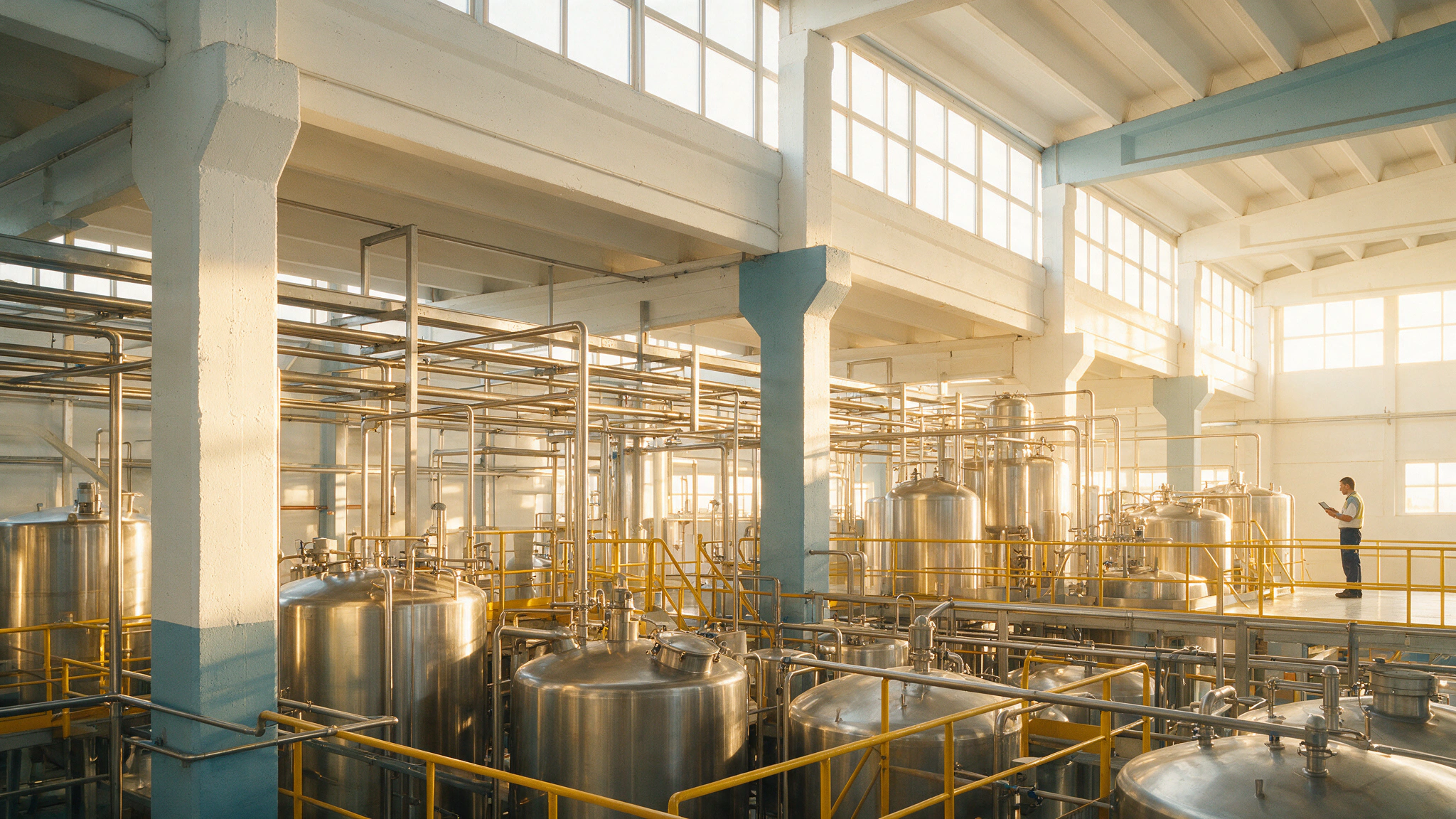
In a plant, no item of equipment goes without preventive maintenance. Documentation works the same way: with maintenance, it remains the trusted source; without it, it collapses.
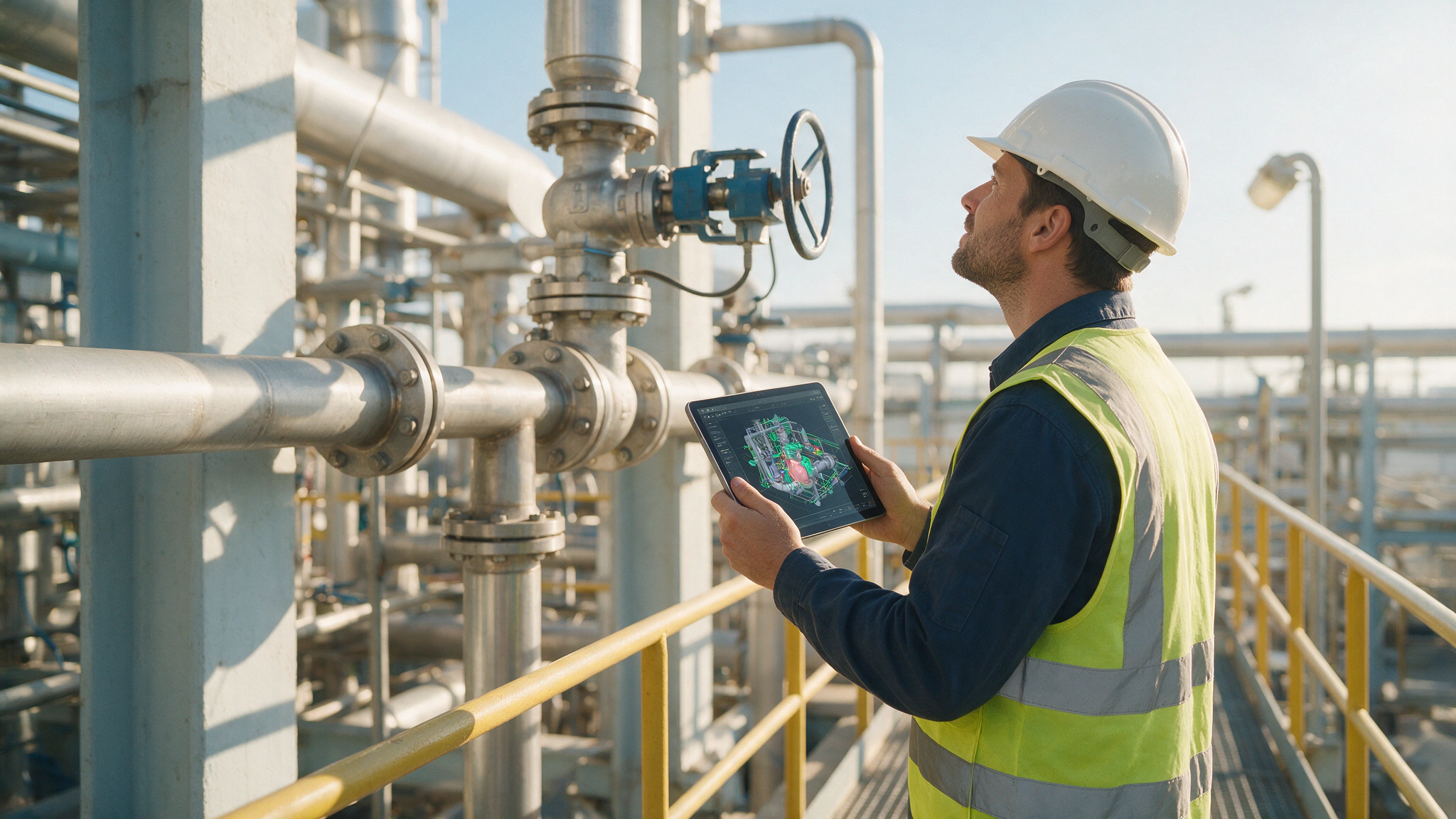
All the effort of digitising your plant — the twin, the drawings, the documentation — is kept alive: every change in the installation enters the model, and what you consult reflects what is there.
Industrial plants that work with A3D







All it takes is to look up two or three recently changed elements — a pipe, a valve, a bypass — and find the model still showing the old ones for the team to start doubting everything else: if what I am looking for is wrong, what else is?
In a plant, no item of equipment goes without preventive maintenance. Documentation works the same way: with maintenance, it remains the trusted source; without it, it collapses.
You select an object in the twin and you are certain it is in the plant exactly as you see it. That reassurance is the service.
A new line, a replaced valve, a bypass, a revamp: every modification enters the model, and the documentation keeps reflecting the plant.
The service that keeps the twin and the documentation of your plant alive: organisation, connection and continuous updating, with your team trained to consult and use it.
It starts with organisation, the documentation is connected and, on that solid base, the model is kept up to date with periodic visits. Each plant enters at the level it needs.
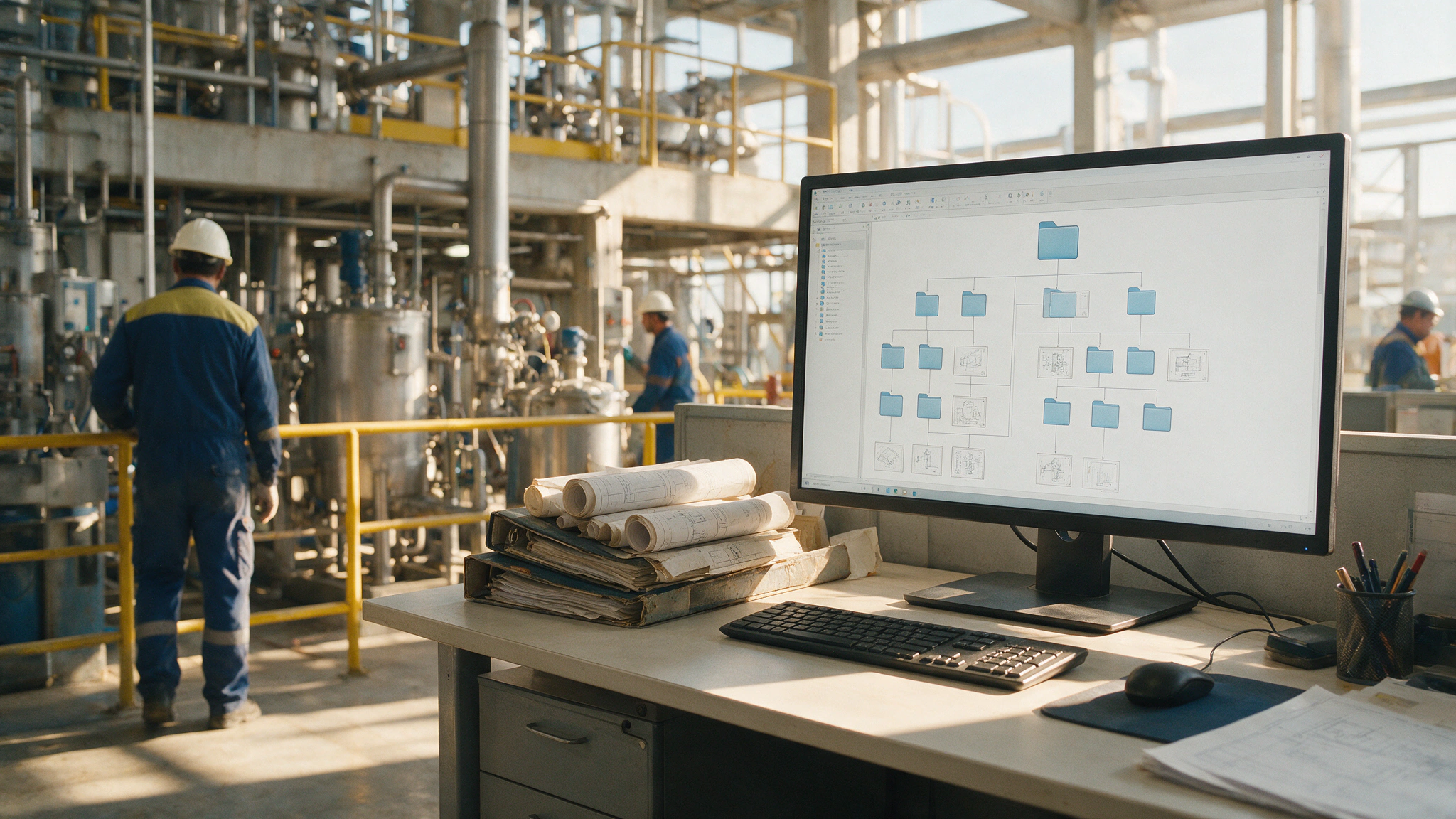
We identify where the information is stored and how the drawings are named, define the standards, harmonise criteria and migrate the documentation to the CDE. The aim: to access information in the fastest, most efficient and most orderly way.
You get: your documentation organised and standardised in the document manager, accessible to the whole team.
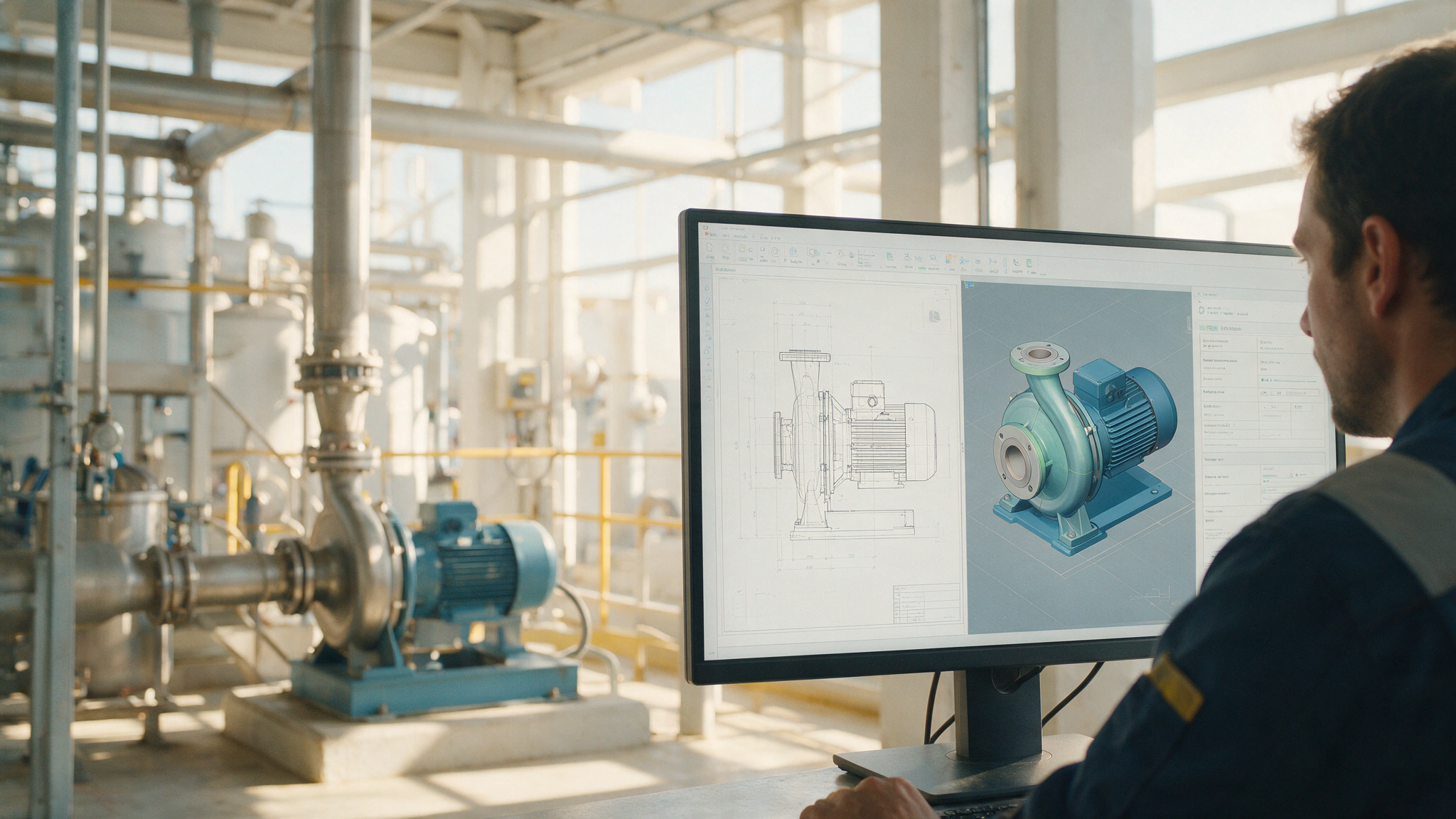
We connect documents that refer to the same element: the TAG identifies each item of equipment in the drawing, in the diagram and in the BIM model, and you move from one view to another with a click.
You get: navigable documentation: every element, with all its views and its data linked.
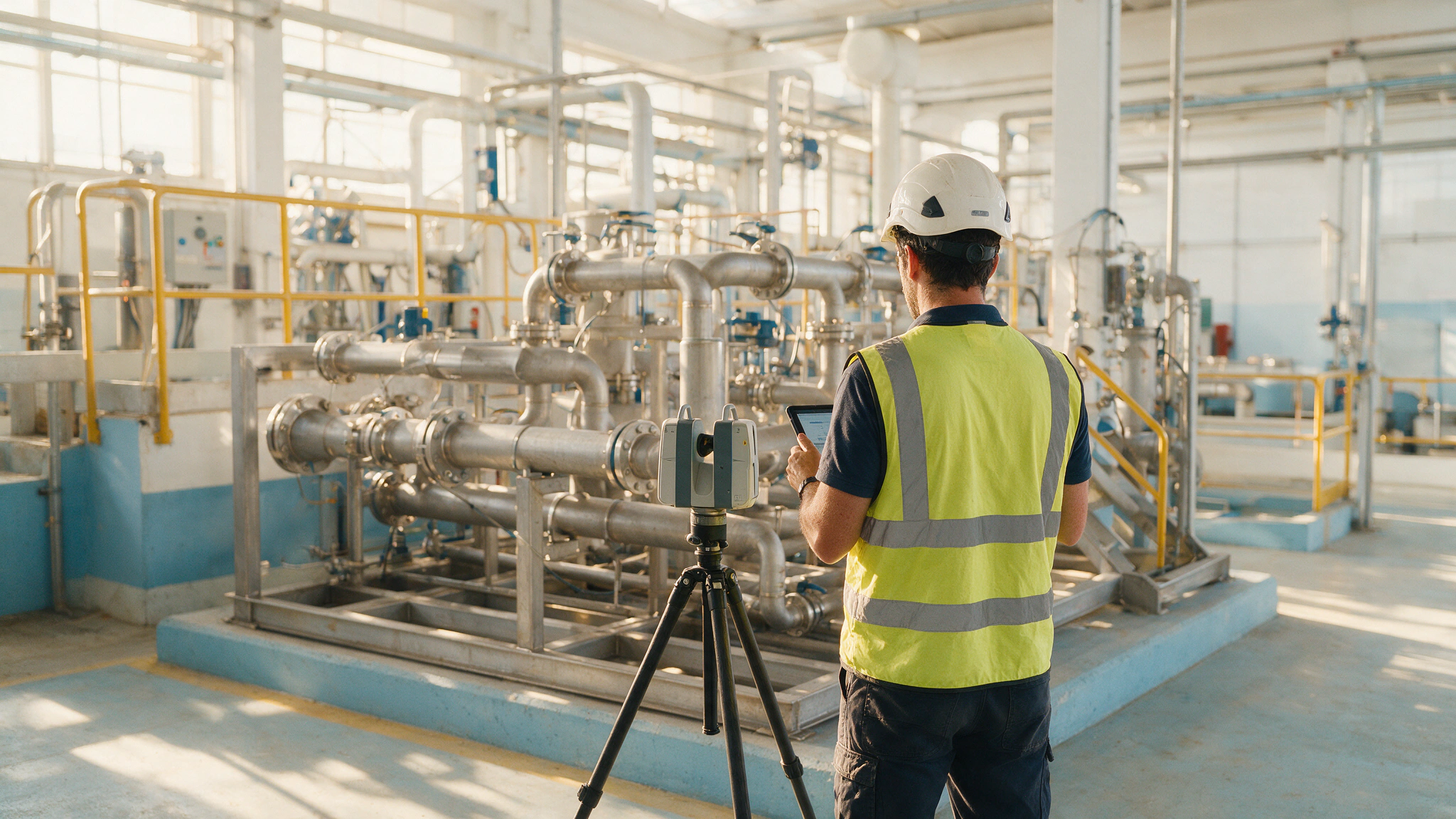
Periodic visits — weekly, fortnightly or monthly — with micro-digitisation: we scan or take note of what has changed, model it, and update the model and the system versions.
You get: the twin and its documentation up to date, visit by visit.
~30%of the technical working day goes on looking for information (IDC). Organisation alone already pays for itself.
Three situations experienced in plants, told without naming the client.
Every job left the drawing one step further behind. Today the model is updated with the job, and the next one starts where the last one ended.
HVAC and gas were renewed, and the model followed the building services. The building and its documentation match.
The new technician finds the drawing first time: the documentation is where the system says it is.

You start with one area,
with a fixed scope and price.
Industrial digitisation can qualify for tax deductions for technological innovation (R&D&I), Social Security contribution rebates, and grants and subsidies. We review this with you in the proposal.
Before saying yes, this is what people ask us on the first call.
All three levels, according to what your plant needs: document organisation (standards and migration to the CDE), document linking (documents connected by TAG) and maintenance of the digital asset (periodic visits and model updating). At every level, consultation training for your team.
No. Document organisation is tackled with the documentation you already have: standards are defined, it is harmonised and migrated to the CDE. The BIM digital twin can come later — and when it does, it will find the house in order.
At the pace of your plant: weekly, fortnightly or monthly visits depending on the volume of changes. At each visit, micro-digitisation of what has been modified: it is scanned or noted, modelled and updated.
A handful of changed elements left unrecorded is enough for the team to doubt the whole: a 5% deviation puts the remaining 95% in doubt. Maintenance exists so that the documentation remains your plant’s trusted source.
Your team: engineering management, maintenance technicians and also suppliers with access. Operational training is included at all three levels, and the service includes active use of the document manager.
You do. The model, the point cloud and the project documentation are delivered in full — deliverables and editable files — and ownership is transferred to the client in the contract.
With the state of your documentation on the table, we will assess the scope and the timescale. Choose what suits you best:
You choose a slot in the diary and we’ll call you on the number you give us to talk about your area.
Choose a slot →We use your phone number solely to call you back. Data controller: A3D · purpose: to handle your request · rights: bim@a3d.es.
Or directly: 935 752 977 · bim@a3d.es · Prefer to put it all in writing? Request the proposal for your first area.