






















Contact +34 935 752 977
Process diagrams · Field service

P&ID updating
through field visits by A3D technicians

A3D checks every P&ID against the operating installation and delivers your plant’s diagrams up to date: corrected where the plant has changed and generated where they are missing.

Enrique Collin, Industrial Sales Manager at A3D, takes your call: he sizes the area with the technician who will carry out the field visit. The service presentation comes as a PDF: 8 pages, 3 MB.

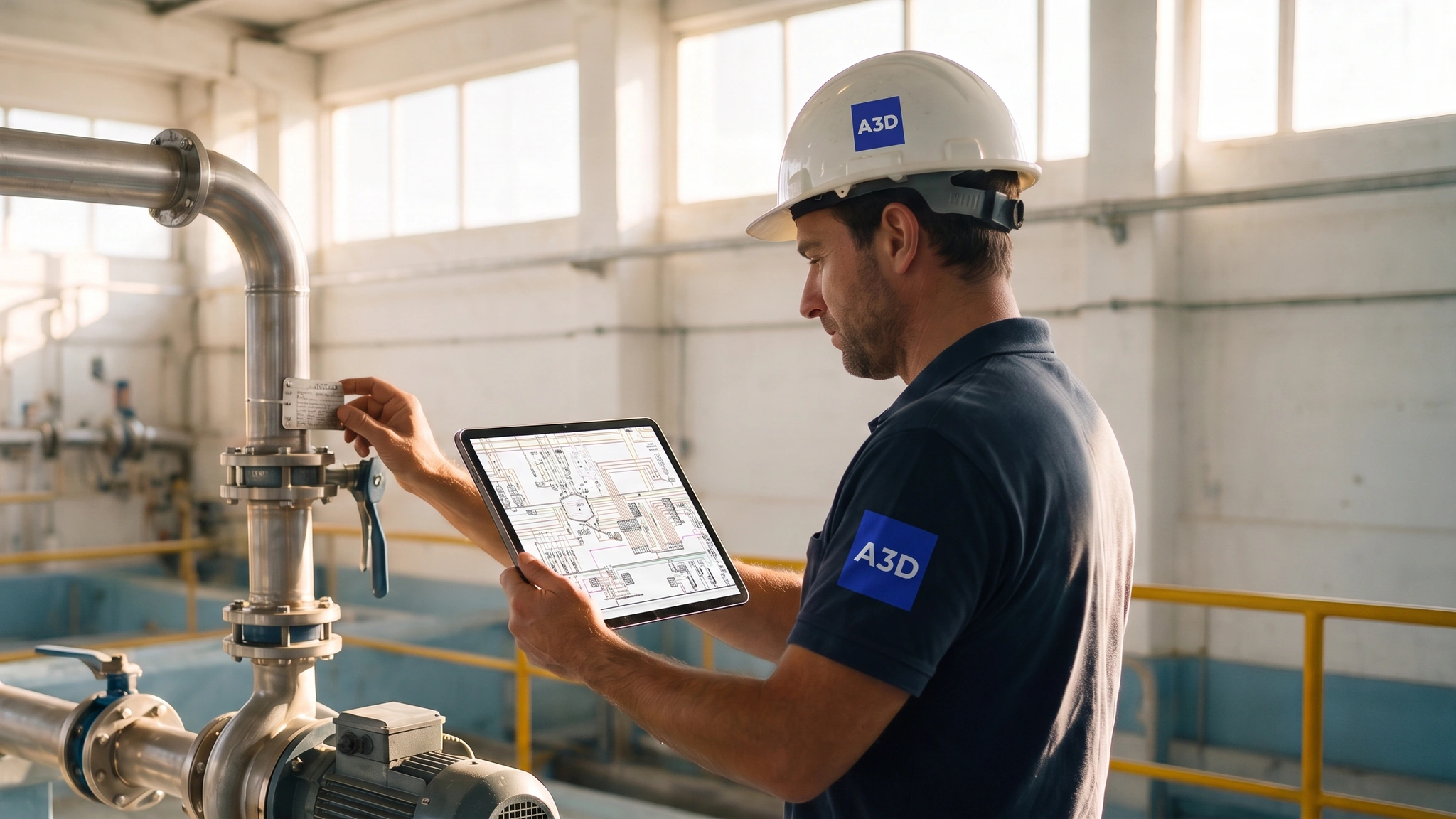
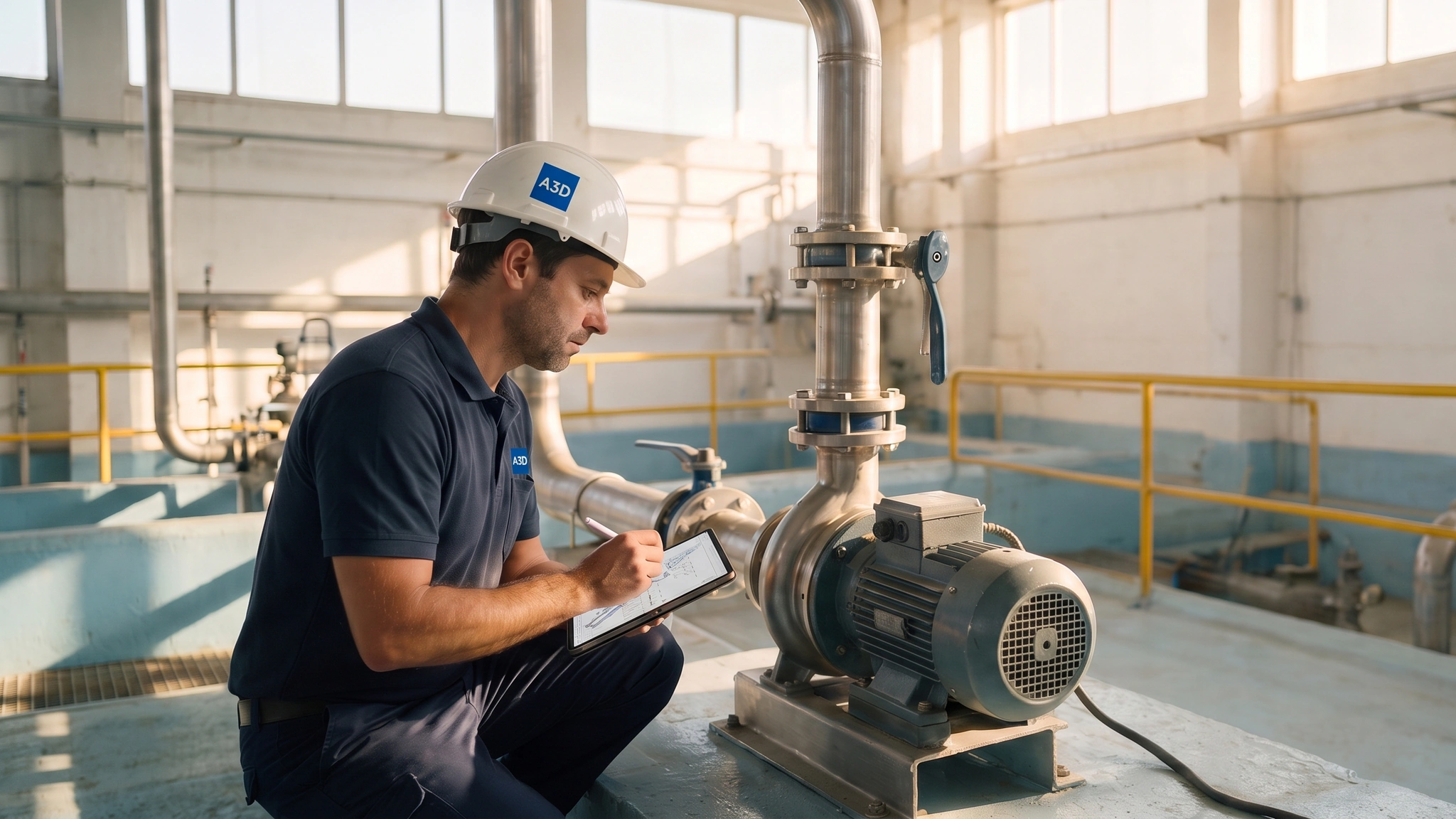
A3D technician checking a valve tag against the P&ID on a tablet
The problem

Outdated P&IDs: the diagram says one thing and the plant another

The P&ID is the diagram a technician uses to understand how the plant works before touching it.

  • Changes left out of the diagram

    A valve that was moved, a line that was taken out of service, a new instrument. They happen in the plant and rarely make it back to the P&ID. After some years, the diagram describes a different installation.

  • Knowledge held by one person

    Someone who has spent twenty years in the plant knows which pump feeds which area. That knowledge lives in their head, and leaves with them when they retire or change roles.

  • Intervening based on an outdated diagram

    As with an electrical panel: the diagram states which line goes to which sub-panel and how much power it can carry. Where the diagram is missing or out of date, the intervention is dangerous.

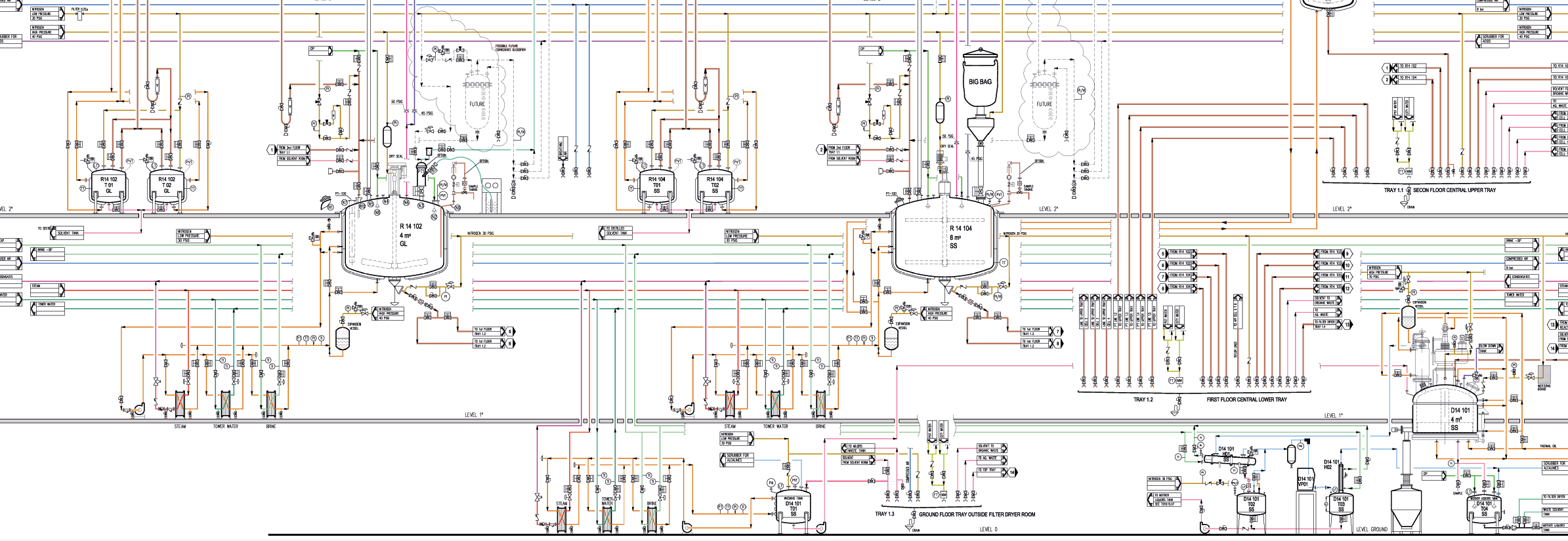
P&ID of a reactor area: equipment, lines, valves and instruments with their tags
Piping and instrumentation diagram (P&ID) of a process reactor area: the plant’s operating diagram, sheet by sheet.
The solution

A3D technicians update and generate your P&IDs through field visits

An A3D technician helps you regain confidence in your P&IDs: they walk the plant and deliver the documentation up to date.

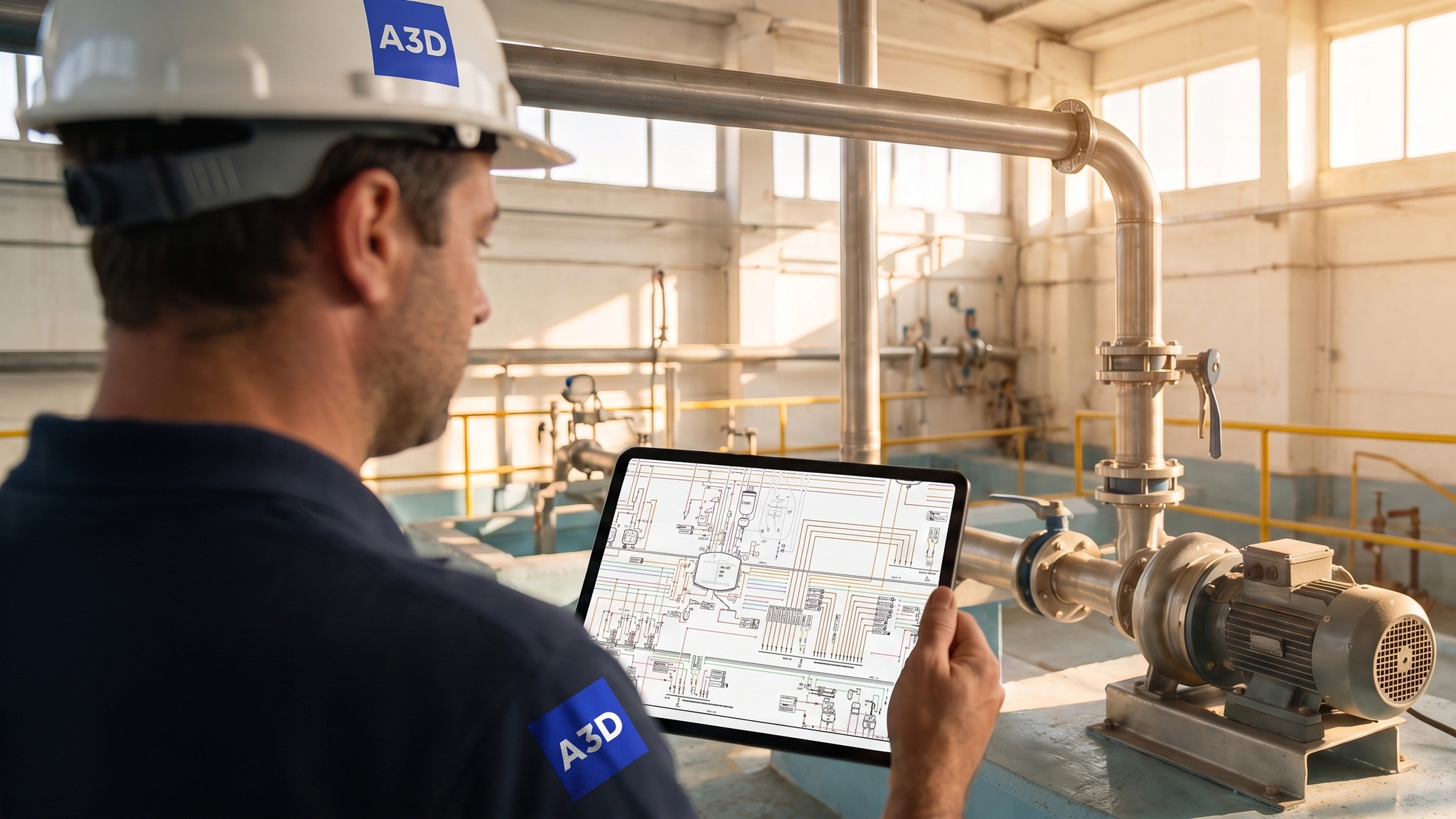
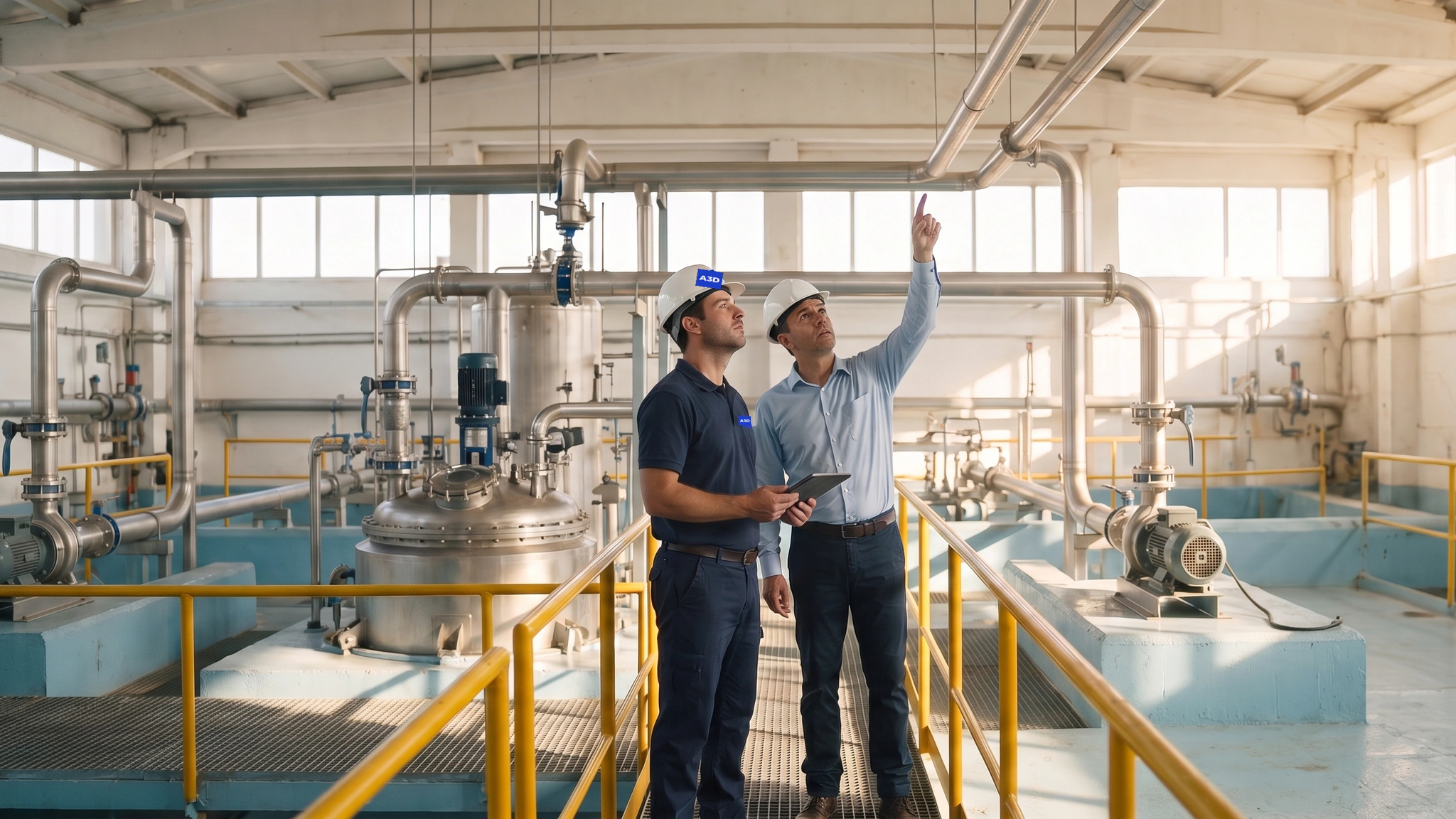
The P&ID on the A3D technician’s tablet and, behind it, the installation it represents A3D technician and plant manager following a line along the walkway
  • 01 · Field visit

    An A3D technician at your plant

    They walk the area with the installation in operation, with the existing P&IDs on the tablet.

  • 02 · Cross-check

    The diagram against the installation

    They compare tag by tag and note every difference: equipment, lines, valves and instruments.

  • 03 · Drafting and delivery

    The documentation up to date

    We update every P&ID, generate the missing ones and deliver the complete area.

What you receive

Your plant’s P&IDs up to date, area by area

A deliverable that opens with the tools you already use and that any technician in the plant can consult.

  • Updated diagrams

    The sheets for each area, in DWG and PDF, with tags, lines and equipment matching the installation. Generated from scratch where they were missing.

  • The plant’s knowledge, in the P&ID

    What the person who has spent years at the installation knows today is written into the diagram, in plain view of the technician about to intervene.

  • P&ID maintenance proposal

    Periodic visits in which A3D adds the plant’s changes to the diagram, so that you always have them up to date.

A3D technician making notes on a tablet beside a pump and its line
The diagram and the installation it represents, checked in the field.
The process

Three steps to the quotation

Plant visit, analysis of the existing P&IDs and presentation of the quotation.

  1. Plant visit

    We visit the plant and collect the existing P&IDs and drawings, in PDF, DWG or on paper: the starting information.

  2. Analysis of how out of date the P&IDs are

    We analyse how far the P&IDs have drifted from the installation and cost the work.

  3. Presentation of the quotation

    The quotation details the field visits, the drafting and the P&IDs you receive, area by area.

Start with one area of your plant. In a 15-minute call, Enrique Collin sizes your area and prepares the plant visit.

Book a 15-minute call
A3D technician walking along an outdoor platform between tanks and pipe racks
And then

With your P&IDs up to date, your plant has the basis for smart P&IDs

The update is the goal. And it opens the door to the next service, when you decide.

  • What you achieve with the update

    P&IDs that describe the plant as it is today, in plain view of any technician about to intervene.

  • The next service: smart P&IDs

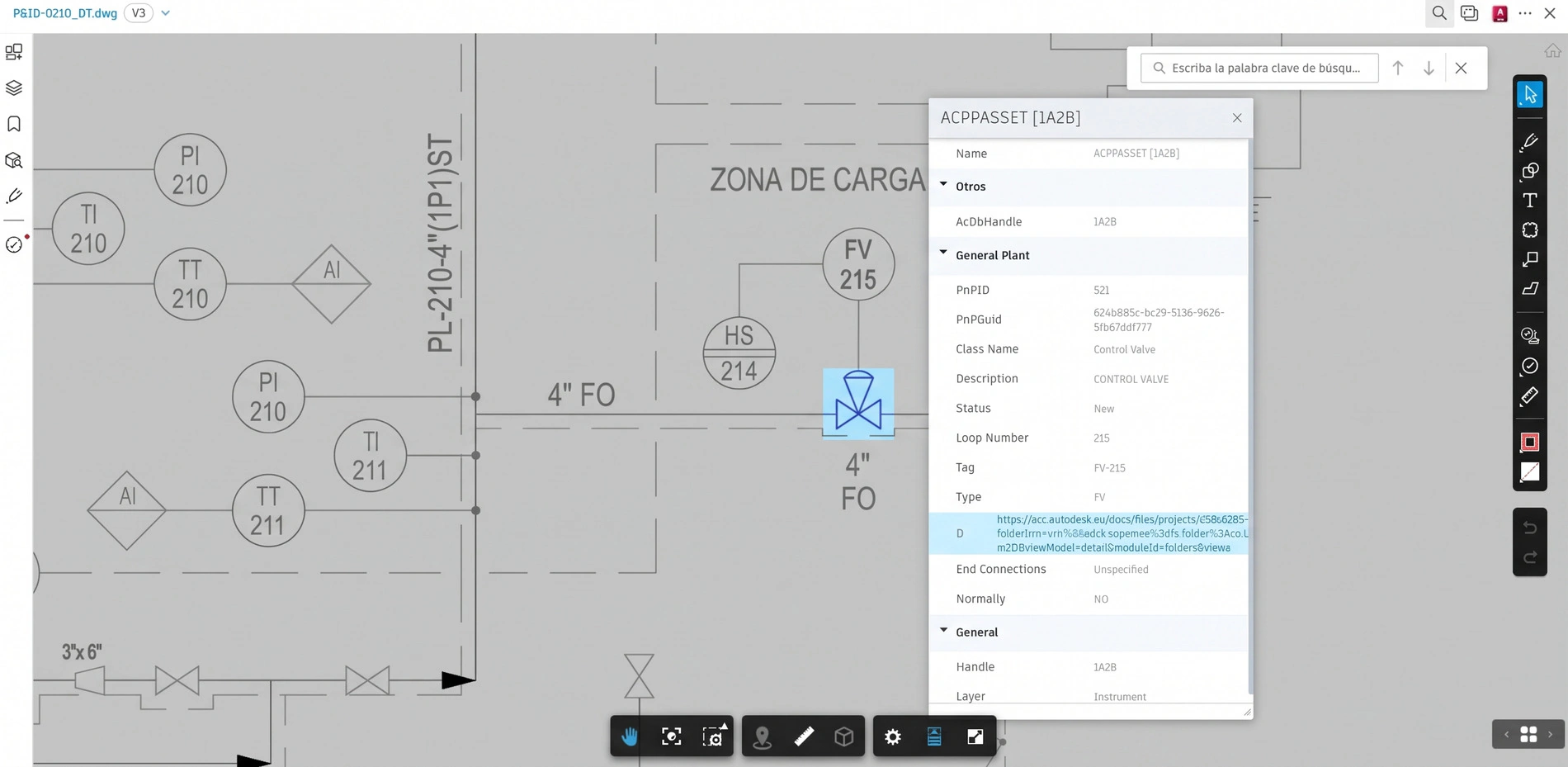
    On those same diagrams, every line, valve and instrument can become an object with its own data, accessible in the cloud.

A smart P&ID on the platform: selecting a valve opens its properties
A smart P&ID: selecting a valve displays its properties. Demonstration diagram and codes.

Industrial plants that work with A3D

Refining and terminals · Chemicals and petrochemicals · Pharmaceuticals · Food and beverage · Water treatment

  • +80 industrial sites scanned
  • +20 people on our own staff
  • 2003 doing BIM in Spain
  • Damm
  • Nestlé
  • Cargill
  • Veolia
  • Acciona
  • Repsol
  • ASESA
  • Grifols
  • Takeda
  • mesoestetic
  • ICL
  • ELIX Polymers
  • Cementos Molins
  • Proquimia
  • BESA
  • Renolit
  • Spontex
  • Velcro
  • Alespri
  • Chemo
  • Revlon
The next step

The P&IDs of one area, to start with

Tell us which area you are dealing with and we will tell you how many field visits are needed and how many sheets have to be brought up to date. Choose what suits you best:

Book a 15-minute call

You choose a slot in the diary and we call the number you give.

Enrique Collin, Industrial Sales Manager at A3D

Enrique Collin

Industrial Sales Manager

Sizes the area with the technician who will carry out the field visit and accompanies you through to the quotation.

Choose a slot →